


Windows 11 asks me to tolerate noise in exchange for gloss. Every animation pulls at the battery, every surprise update chops my focus, and remote desktop feels like renting time from my own computer. Mint MATE proved that a boring desktop can be a competitive advantage if you care more about deep work than rounded corners.
1. Fast installs beat onboarding mazes
Mint MATE goes from ISO to usable desktop in minutes, while Windows 11 traps me inside update ladders and telemetry prompts before I can open a terminal. That speed matters because momentum is fragile when you are setting up a client device or rebuilding a laptop mid project. The faster path earns my trust, and trust is why Mint MATE now boots on every machine I rely on.
2. Lightweight defaults protect batteries

Mint MATE ships with a panel, a menu, and very little ego, which keeps CPU spikes and fan noise out of the picture. Windows 11 layers widgets, background services, and promotions that heat up the chassis even when the screen shows only a remote desktop window. The distribution that ignores vanity ends up giving me two extra hours per charge.
3. Remote features should not be gated
Mint MATE includes RDP, VNC, and SSH tooling without drama, so I can reach any box I own without buying another license. Windows 11 locks remote host capabilities behind the Pro SKU, which is absurd when all I need is to rescue a nightly build from the couch. Paying for access to my own hardware never felt defensible.
4. Predictable updates preserve focus

Mint keeps a calm update manager that installs when I say so, while Windows 11 loves to reboot the moment I step away for coffee. A predictable cadence means I leave the laptop compiling or syncing repos without fearing a forced restart. That is the difference between trusting a machine and babysitting it.
5. The UI should fade, not perform
MATE gives me a simple panel and window buttons that never change, so muscle memory stays intact over years of use. Windows 11 keeps rearranging system icons, shifting context menus, and handing me UI experiments I never asked for. I would rather have a quiet workspace that holds still than a flashy one that keeps chasing novelty.
These five upgrades convinced me that my operating system should feel invisible once the workday starts. Mint MATE shows up, keeps drivers in line, and lets me live inside terminals and remote sessions without another thought. The calmer the baseline, the more headroom I have for real engineering decisions.
Personal Experience or Motivation

I did not land on Mint MATE overnight. I migrated from Windows to Linux Mint Cinnamon in 2013, flirted with Arch, Ubuntu, KDE, and Xfce, then circled back because each experiment uncovered a new edge case. Some looked gorgeous yet demanded constant tuning. Others were feather light but felt brittle when I remoted into them for hours. MATE hit the sweet spot only after I forced myself to run it for months on the same laptop that had been struggling under Windows 11.
Those months overlapped with contract work that was heavy on Amazon WorkSpaces, EC2, and private lab servers. Windows 11 would spin fans just to keep a WorkSpaces window alive, which meant client meetings sounded like I was sitting next to a leaf blower. The moment I booted Mint MATE on the same hardware, the fans whispered, the battery stopped collapsing, and the remote cursor finally matched my hand movements. That contrast cemented the switch more than any benchmark ever could.
Reasoning and Trade-offs

Linux Mint MATE wins because it refuses to chase features I would immediately disable. Cinnamon is beautiful, yet it still draws more resources, which shrinks the headroom I want for containers and browser-based consoles. Xfce is technically lighter, but its aging widgets feel clumsy when I present my screen to a team. Arch lets me assemble the exact desktop I dream up, yet it quietly turns me into on-call support for my own OS.
Windows 11 does have advantages, mostly around vendor tooling and mainstream polish, but those perks come with guaranteed distractions. The telemetry prompts are not optional, and the Pro licensing checkboxes never stop appearing. In contrast, Mint MATE treats silence as a feature. Drivers configure themselves, updates respect my schedule, and nothing urges me to try a new workflow. The trade-off is that I give up some eye candy and a few proprietary utilities, which is a bargain for the stability I get back.
Generalized Insight or Principle
The broader lesson is that tools either return your attention or they tax it. I no longer believe in paying attention taxes to an operating system when my paid work already demands all the cognition I can spare. Choosing Mint MATE was less about Linux purity and more about guarding the energy I rely on for remote debugging, code reviews, and coordination across time zones.
If you treat your laptop like a long running production service, you pick components that minimize alerts. Mint MATE behaves like that mature service. It is boring on purpose, and that boring nature protects the time you need for deeper thinking. Any platform that respects this principle will beat a feature rich competitor that interrupts you on its own schedule.
Practical Takeaway
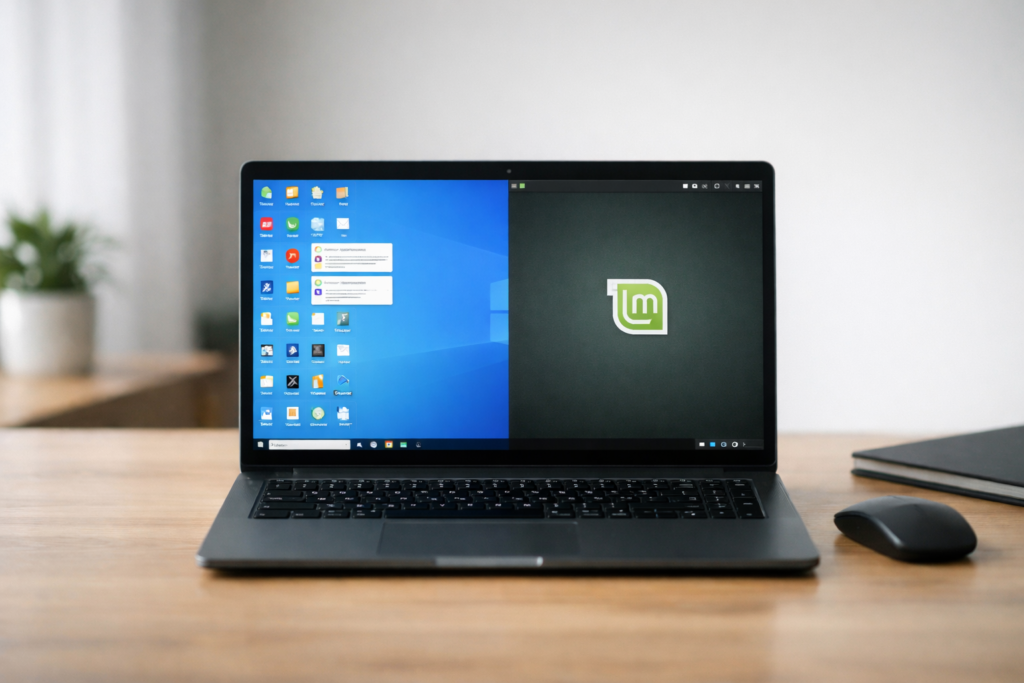
If Windows 11 is devouring your battery and shredding your focus, give Mint MATE a week on the same hardware. Dual boot or drop it on a spare SSD so your existing workflow stays intact. Use your real workload: IDEs, browsers, remote desktop, and teleconferencing. Watch the fans, track the battery drain, and notice how seldom you think about the desktop itself.
Keep a short log comparing how many interruptions each OS causes. Measure the time between forced updates, the heat under your palms, and the licensing hoops around remote access. When the log starts to show calmer numbers on Mint, you will feel the same relief I did.


Leave a Comment